Getting started
Install and open
python3 -m venv .venv
source .venv/bin/activate
python -m pip install MolarVerse-PQSetup
pqsetup
PQSetup opens at http://127.0.0.1:8888. Python 3.11 or newer is required.
PQ and the selected calculator are needed on the execution machine.
To choose another local port or suppress automatic browser opening:
pqsetup serve --port 8890 --no-browser
Keep remote servers on loopback and use an SSH tunnel. The direct, VPN, and compute-node commands are in Remote access.
1. Choose the structure and method
Import a structure or run folder, confirm its formula, atom count, and cell, then choose QM or MM and add the method files.
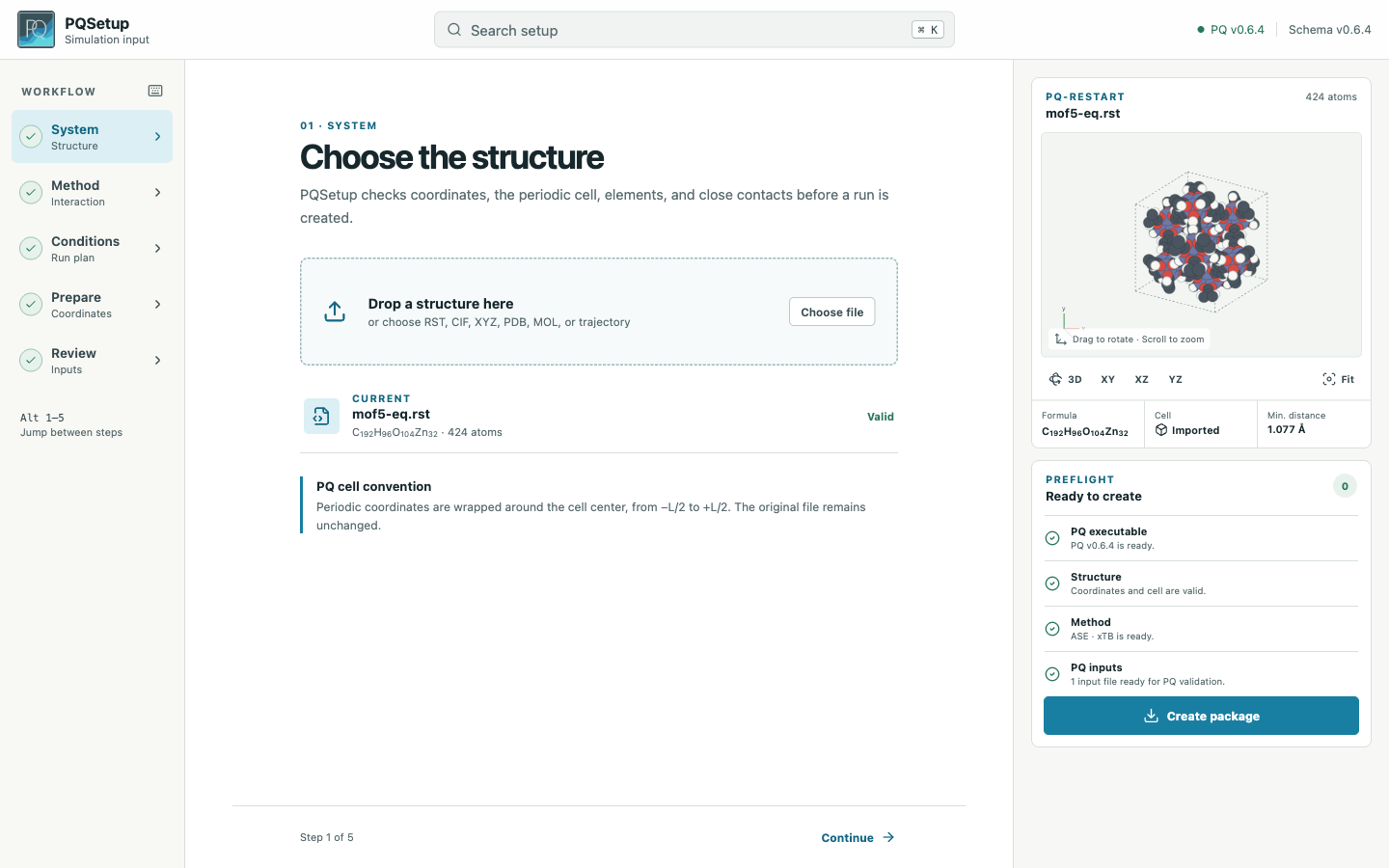
The included water system uses ASE · xTB in a generated vacuum cell.
2. Define the run plan
Choose the ensemble and set the thermodynamic conditions, timestep, sampling length, chained runs, and optional equilibration.
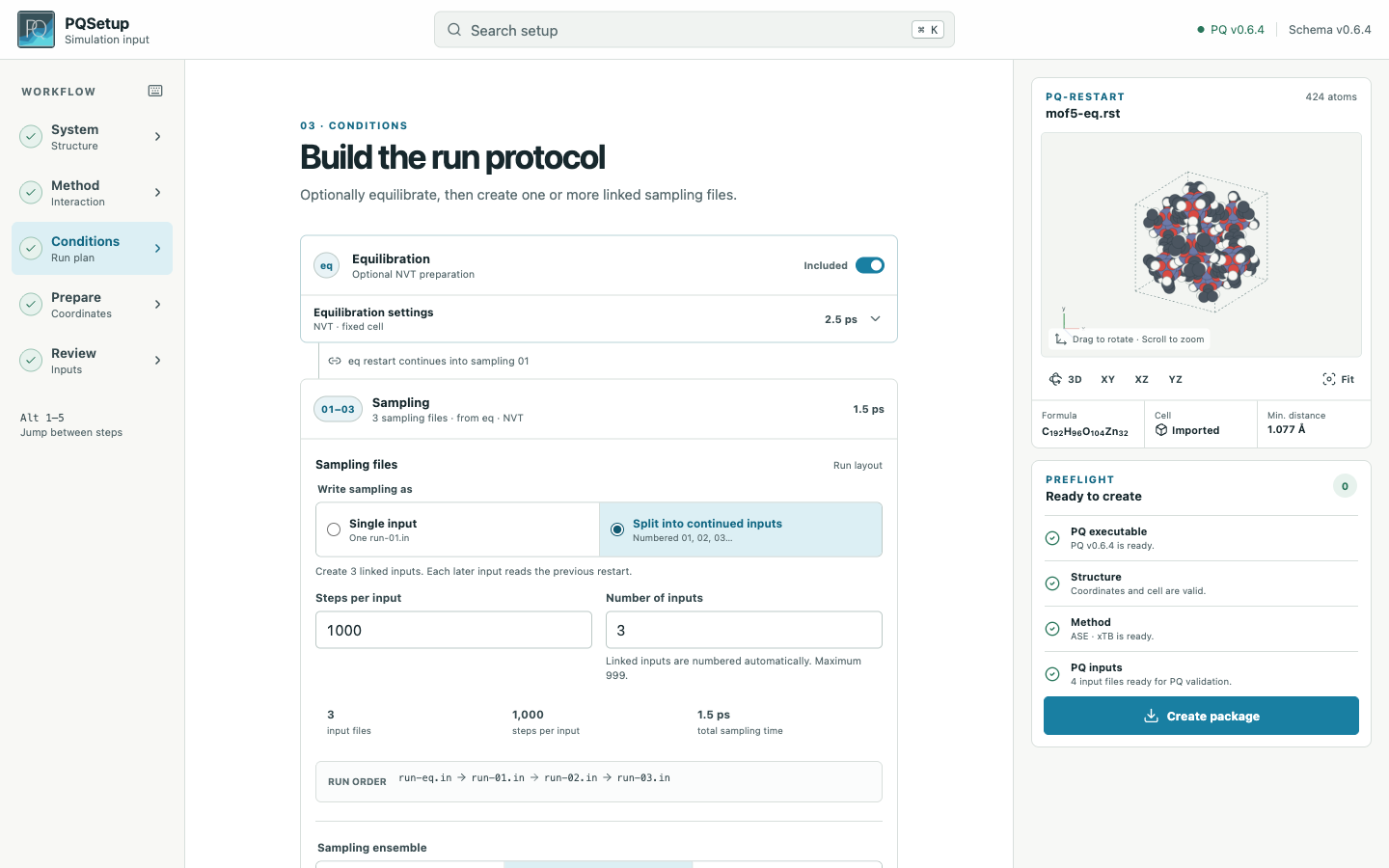
This example writes one equilibration input followed by three sampling inputs.
3. Review and package
Check the summary and every input. Errors block Package; warnings remain in
Review and in pqproject.json.
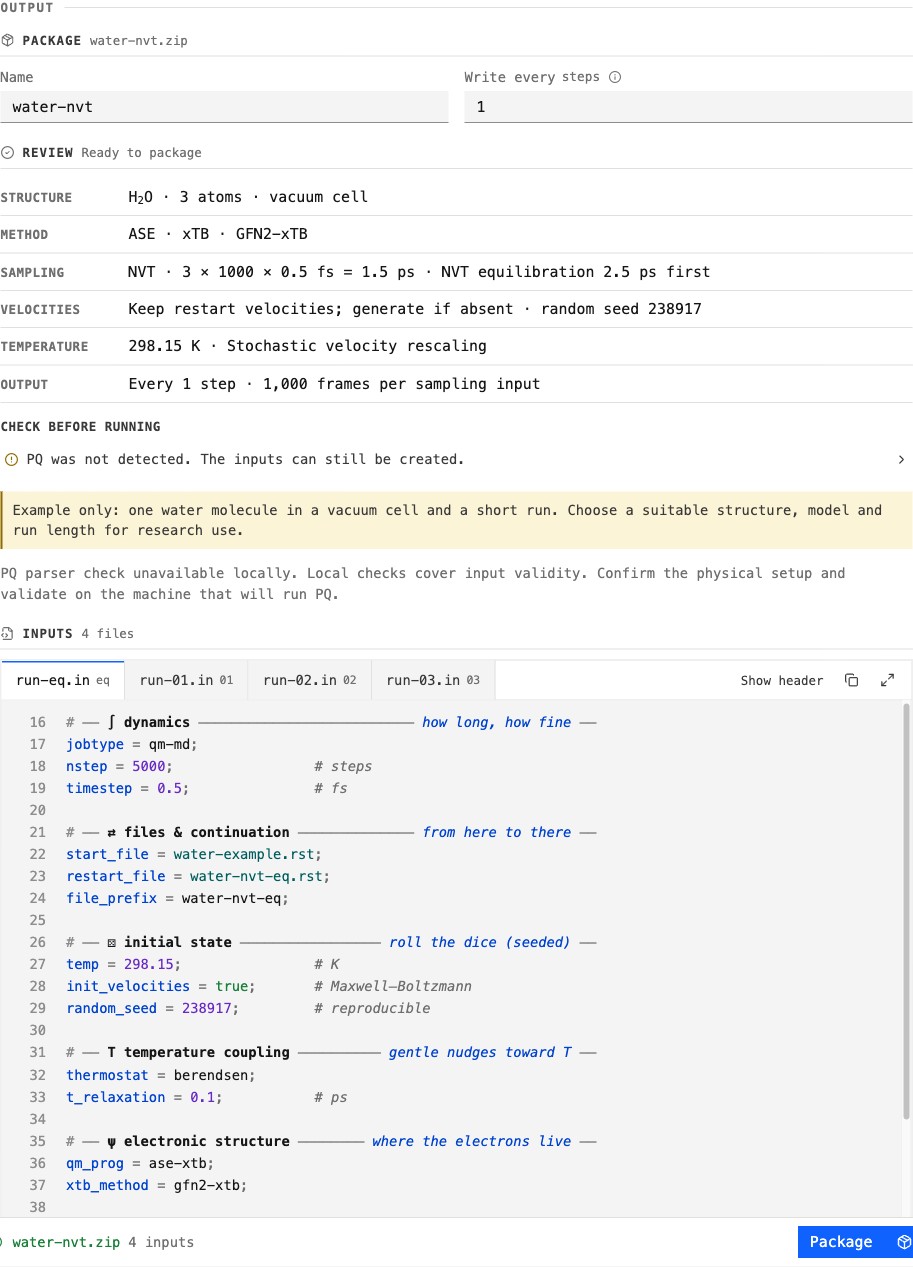
The preview exposes the exact PQ settings before download.
The bundled water system is a short demonstration. A valid package does not establish model suitability, stability, equilibration, sampling quality, or convergence. See Validation before a research run.
Run the package
On the machine that has PQ and the selected calculator:
pqsetup doctor
unzip water-nvt.zip -d water-nvt
cd water-nvt
pqsetup validate run-01.in
./run.sh /opt/pq/bin/PQ
The launcher follows the recorded input order and stops at the first failed or incomplete run. File transfer and scheduler submission remain under the user’s control; see Run packages.