PQSetup
Prepare, inspect, and package PQ simulation inputs in a local browser.
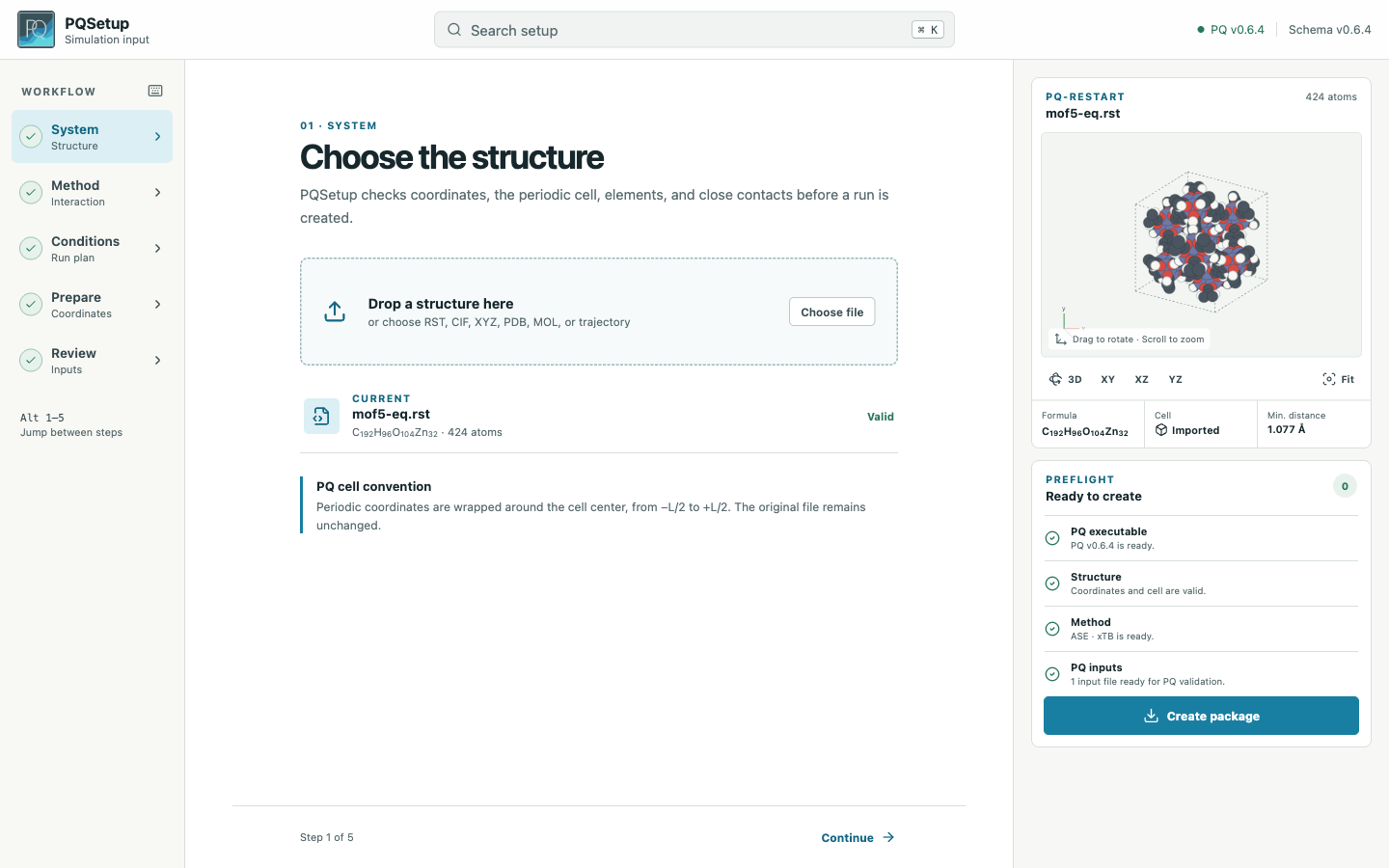
Structure, method, run conditions, and output follow one top-to-bottom workflow.
Start
python3 -m venv .venv
source .venv/bin/activate
python -m pip install MolarVerse-PQSetup
pqsetup
Python 3.11 or newer is required. The interface is included in the package.
Three steps
Import a structure, choose QM or MM, and add the required method files.
Set the ensemble, coupling, timestep, length, and optional equilibration.
Review the scientific plan and generated PQ inputs, then package the run.
The bundled water system is a short vacuum example. Replace its structure, model, cell, and run length before research use.
Manual
Task |
Page |
|---|---|
Install and create a first package |
|
Find a control in the interface |
|
Understand which checks ran |
|
Check supported files, cells, and calculators |
|
Inspect advanced PQ keywords |
|
Run or transfer a package |
|
Use PQSetup through SSH or VPN |
|
Resolve a blocked package or runtime problem |
Note
PQSetup is pre-1.0. File and Python interfaces may change.